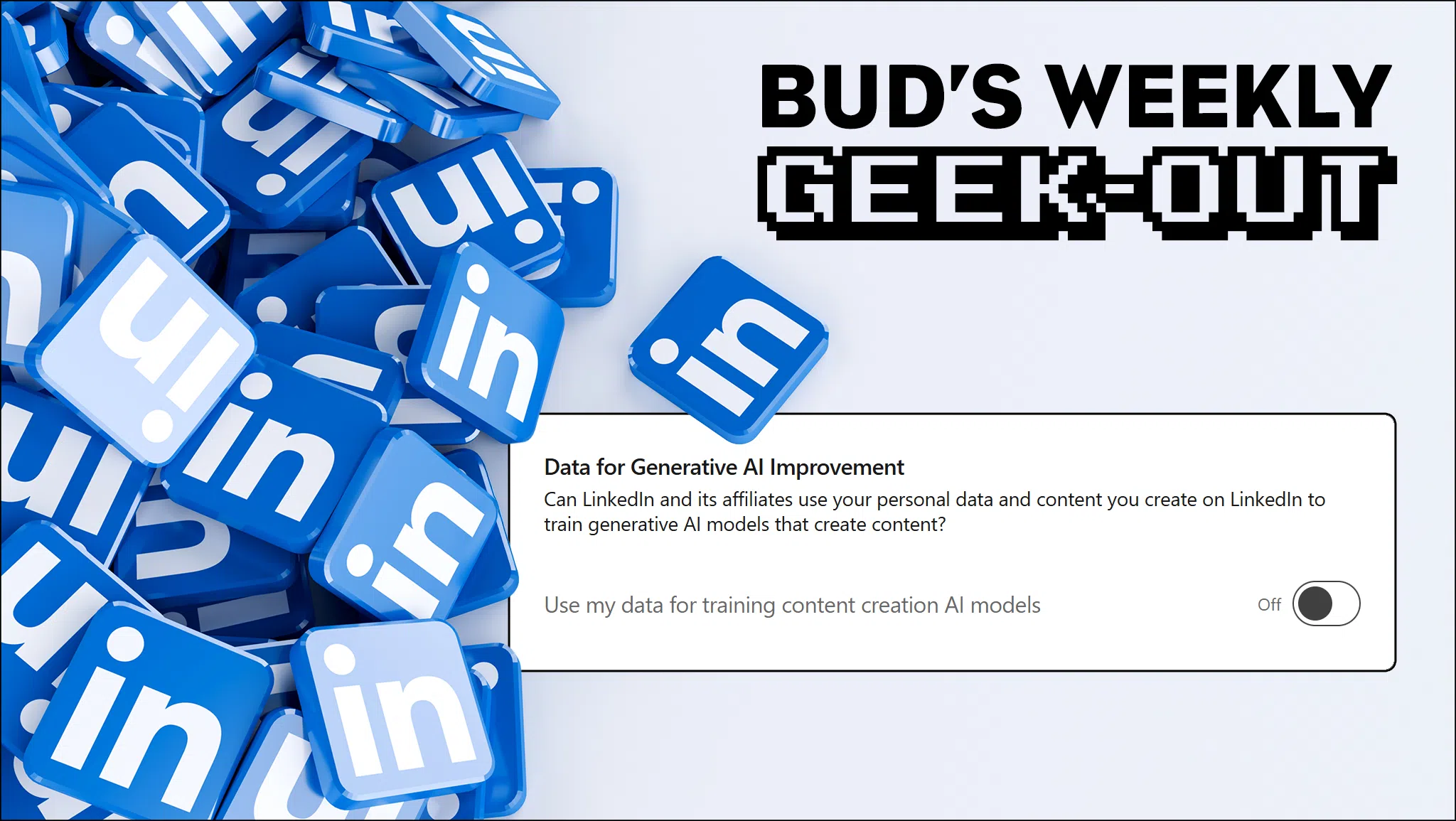
Today on Bud’s #WeeklyGeekOut . . . LinkedIn is now scraping your data for AI & ad targeting. Here’s how to opt out. =/ webmeister Bud
LinkedIn > Profile > Settings > Data Privacy > Data for Generative AI Improvement (under “How LinkedIn uses your data”).
LinkedIn > Profile > Settings > Advertising data.
You can switch all of these off, but the bottom four are most important (“Off LinkedIn data”), followed by the four above that (“Activity and inferred data”).
ALSO: if you want to shut off Gmail’s ”smart features,” on desktop, go to Gmail > settings gear > See all settings > scroll down > uncheck Turn on smart features in Gmail, Chat, and Meet. You may be prompted to reload settings screen.
Read more at the Malwarebytes article.